Get in Touch

CRM Software
Manage every customer relationship in one place with our CRM software. Built for sales, marketing, and support teams, this platform organizes leads, automates follow-ups, and tracks the entire sales pipeline. Perfect for businesses in India and beyond looking for the best CRM software to boost conversions and strengthen long-term customer relationships.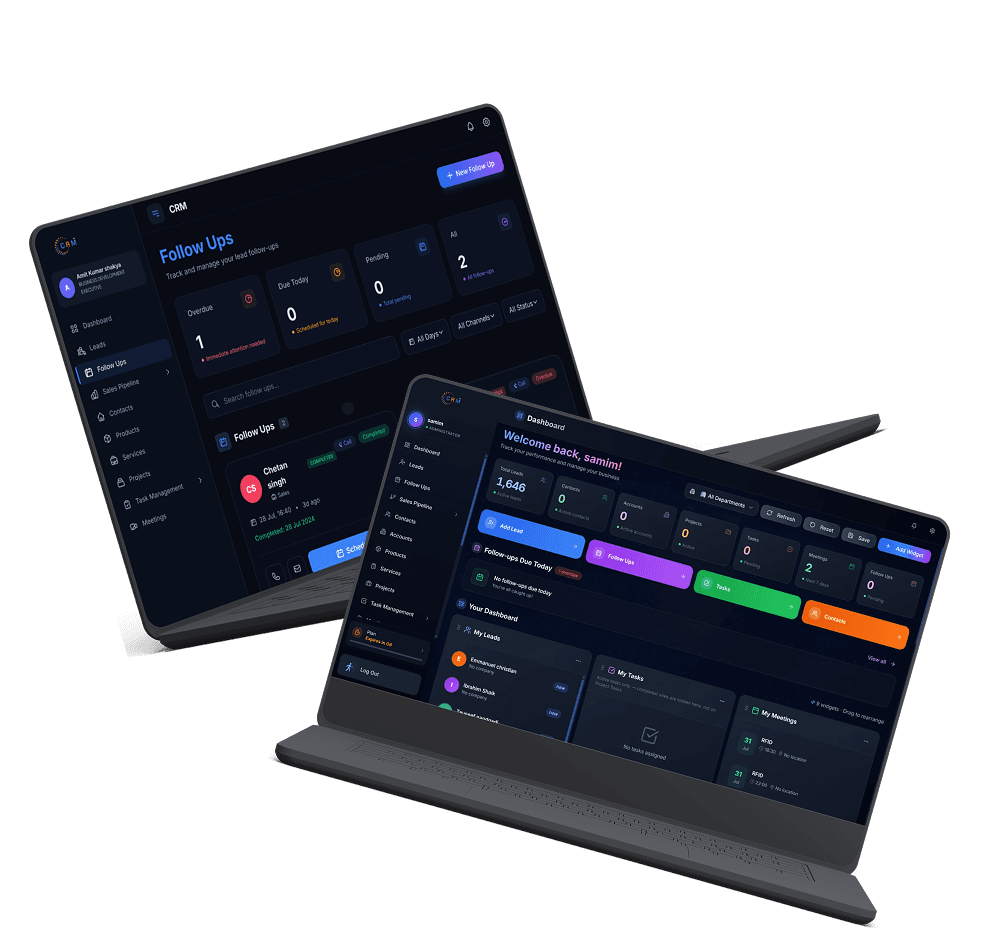
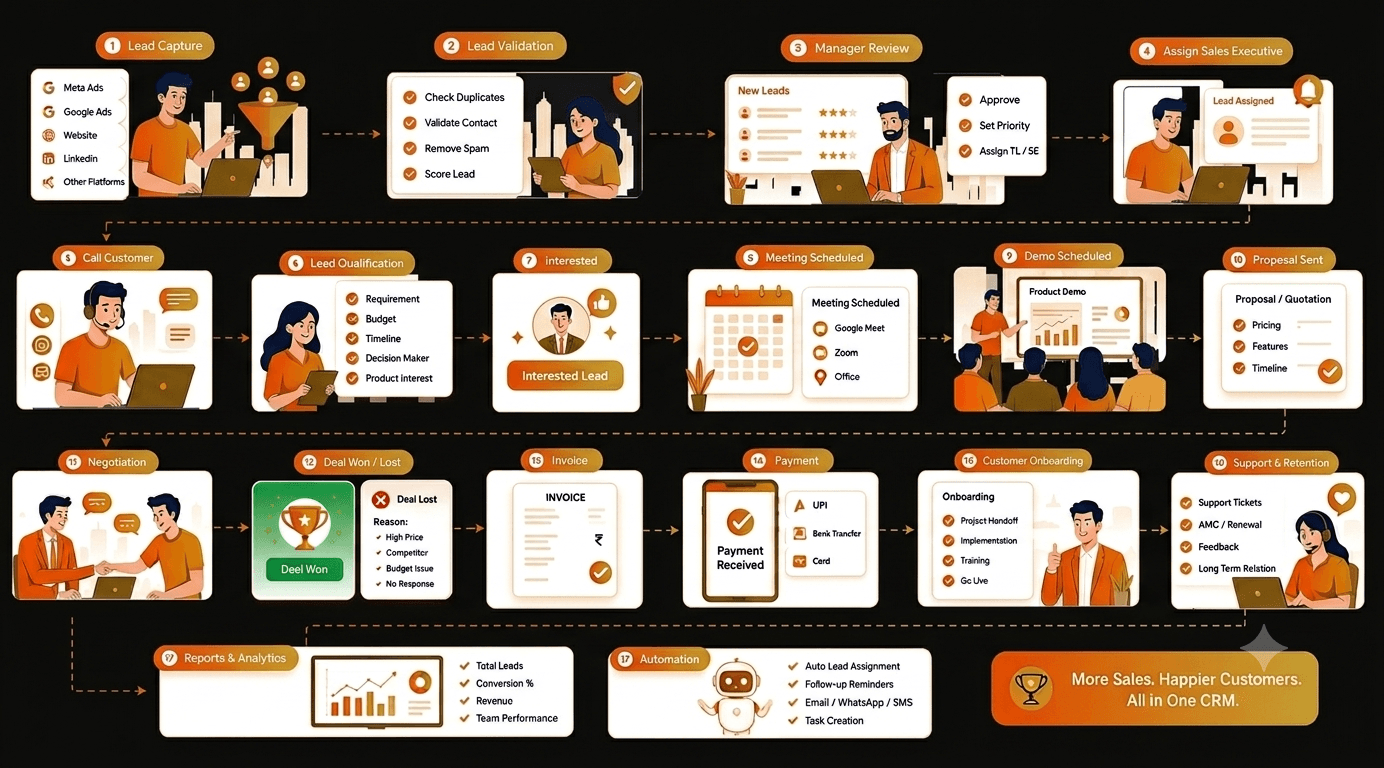
How CRM Software Works?
Built with Modern & Scalable Technologies
Our CRM software brings contact management, lead management, and sales automation together on one centralized platform. It captures customer data from emails, calls, forms, and social media, giving your team a complete view of every interaction. With built-in workflow automation, sales pipeline tracking, and real-time analytics, teams spend less time on repetitive tasks and more time closing deals. The platform supports marketing automation, customer support tools, and mobile access, making it a strong sales CRM for teams on the go. Whether you need CRM implementation services, custom CRM development, or a ready-to-use solution, our software scales with businesses of every size — from startups to large enterprises — helping you retain customers and grow revenue faster.
Data Storage
Cloud Database
Core Module
Sales Pipeline Engine
Frontend Interface
Web Dashboard
Integration Layer
REST API
Communication Tool
Email Integration
Workflow Module
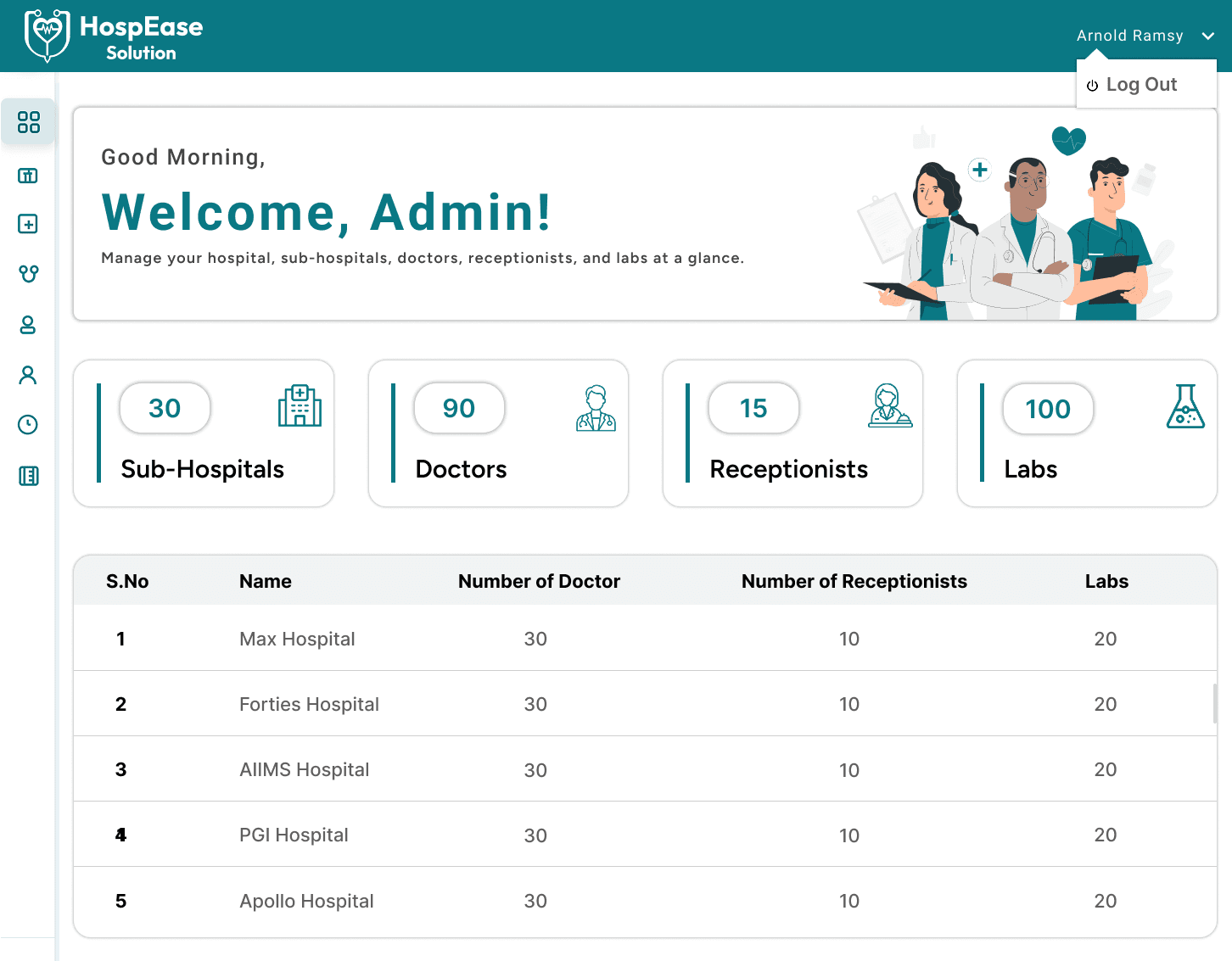
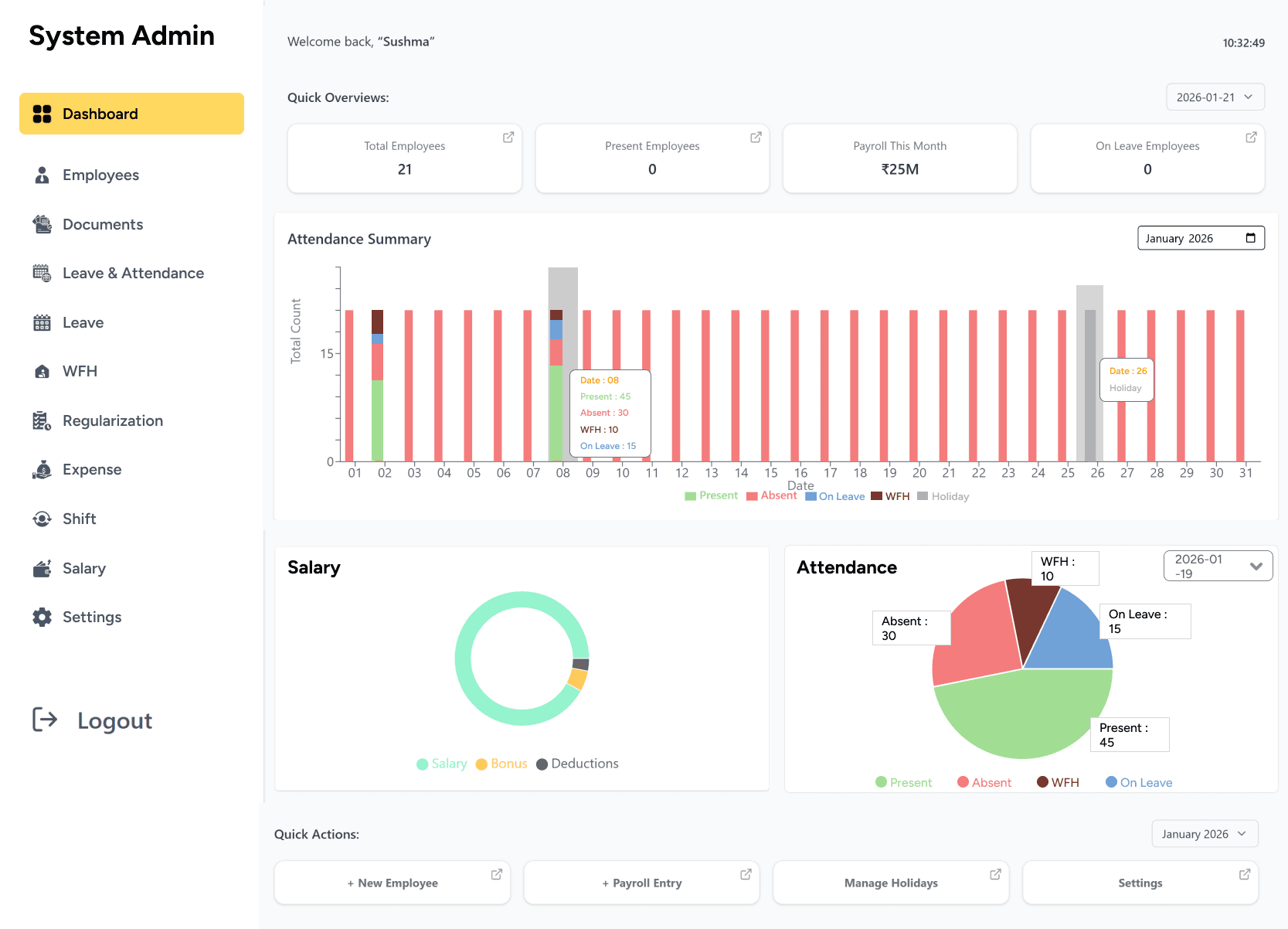
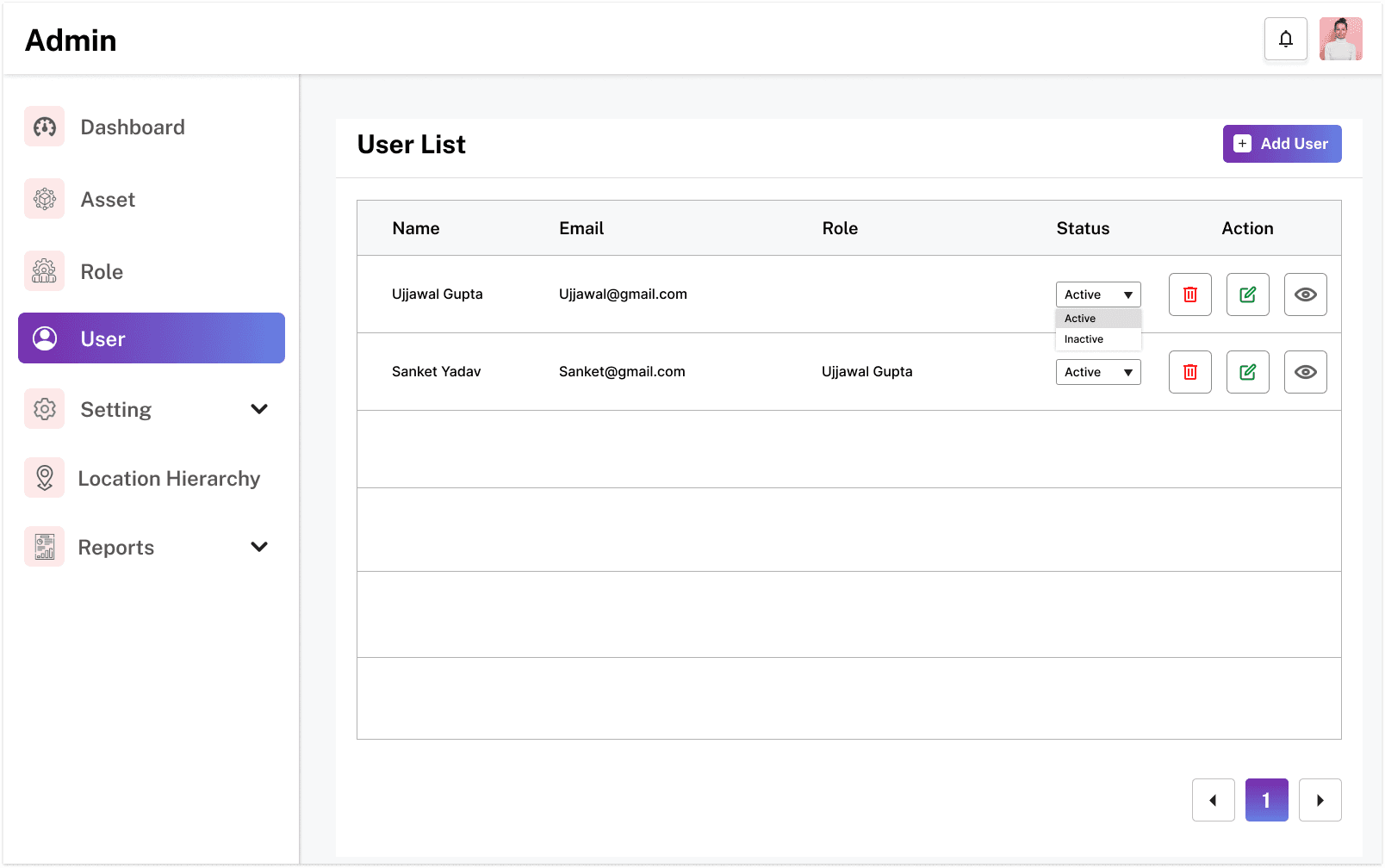
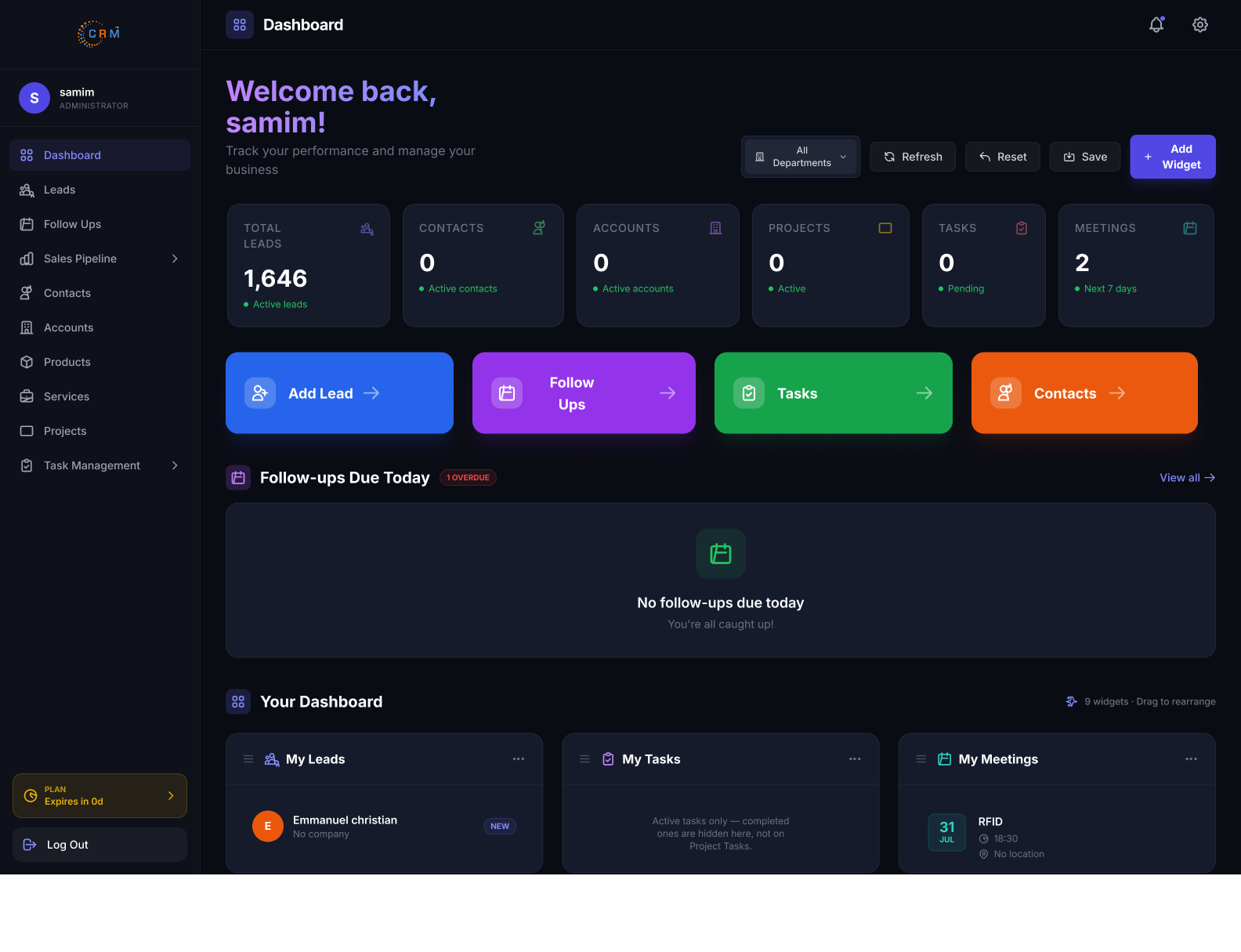
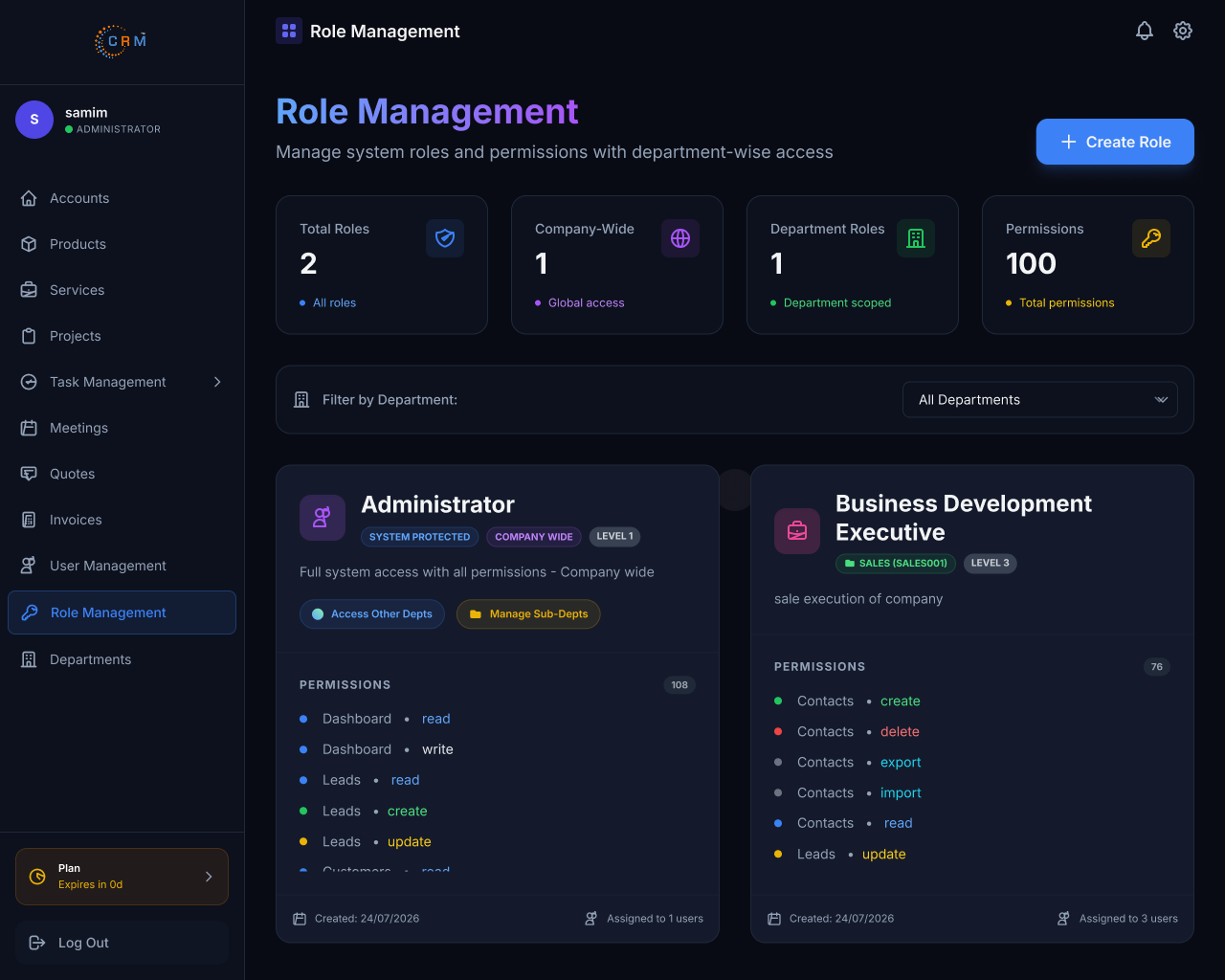
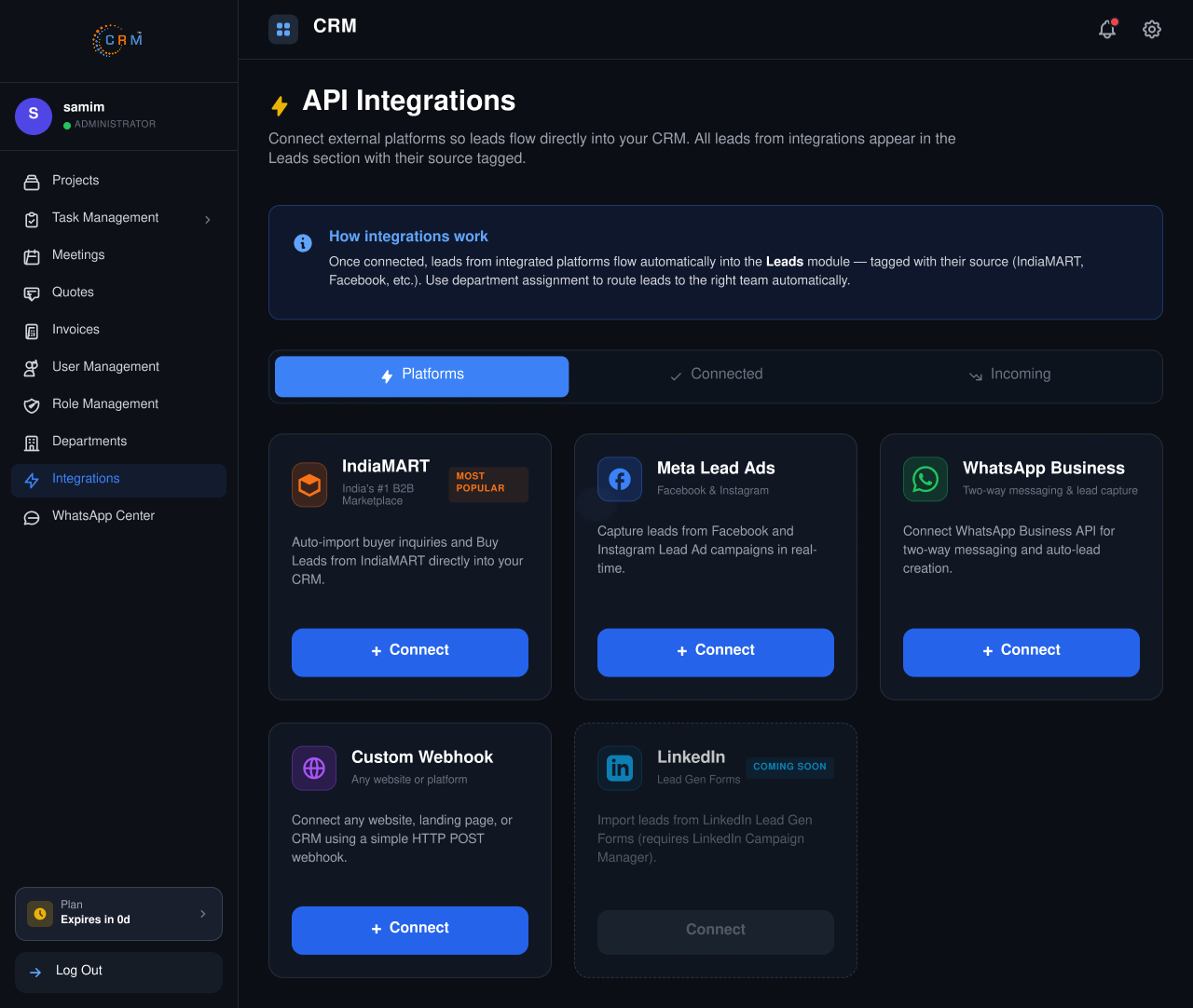
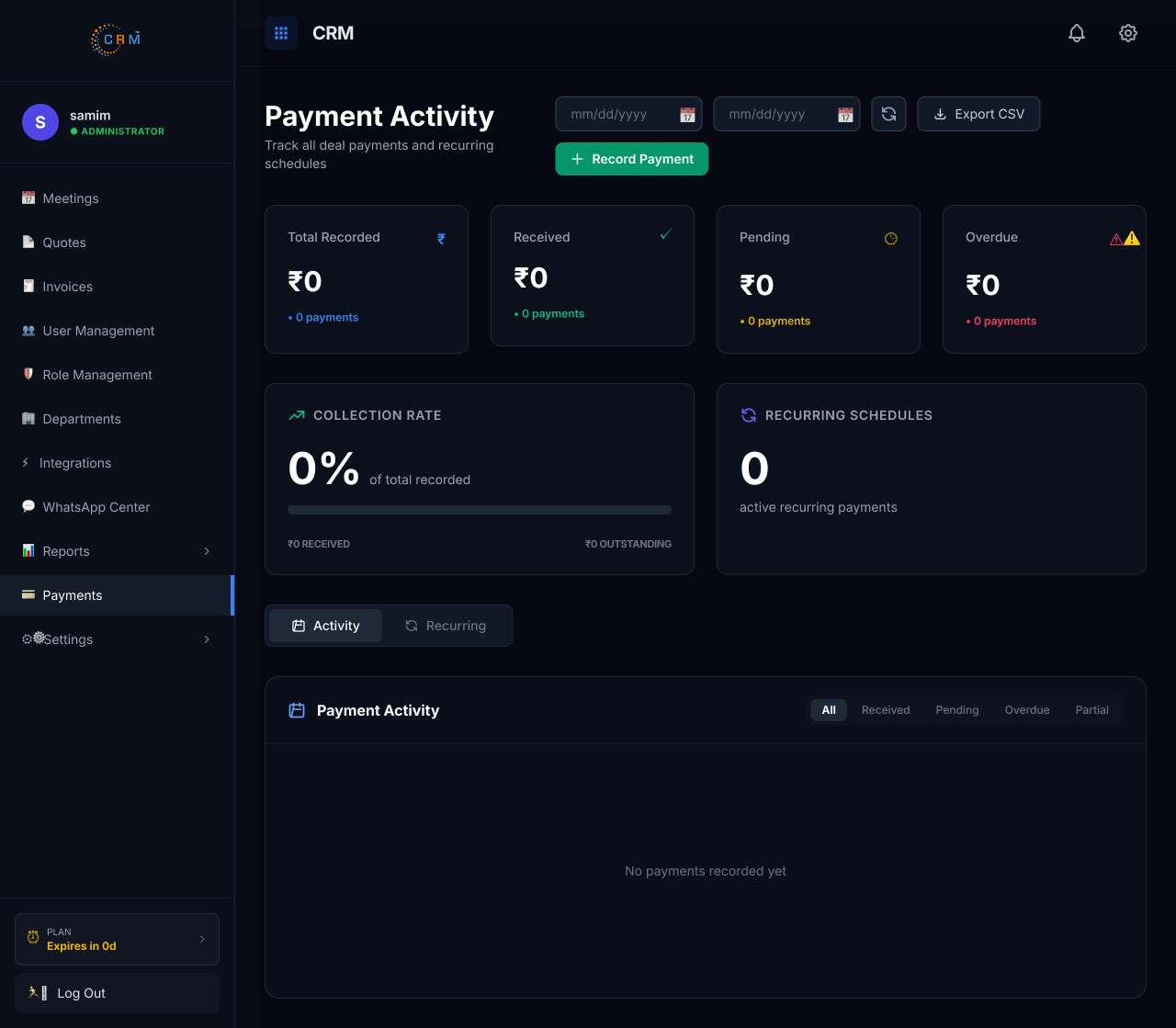
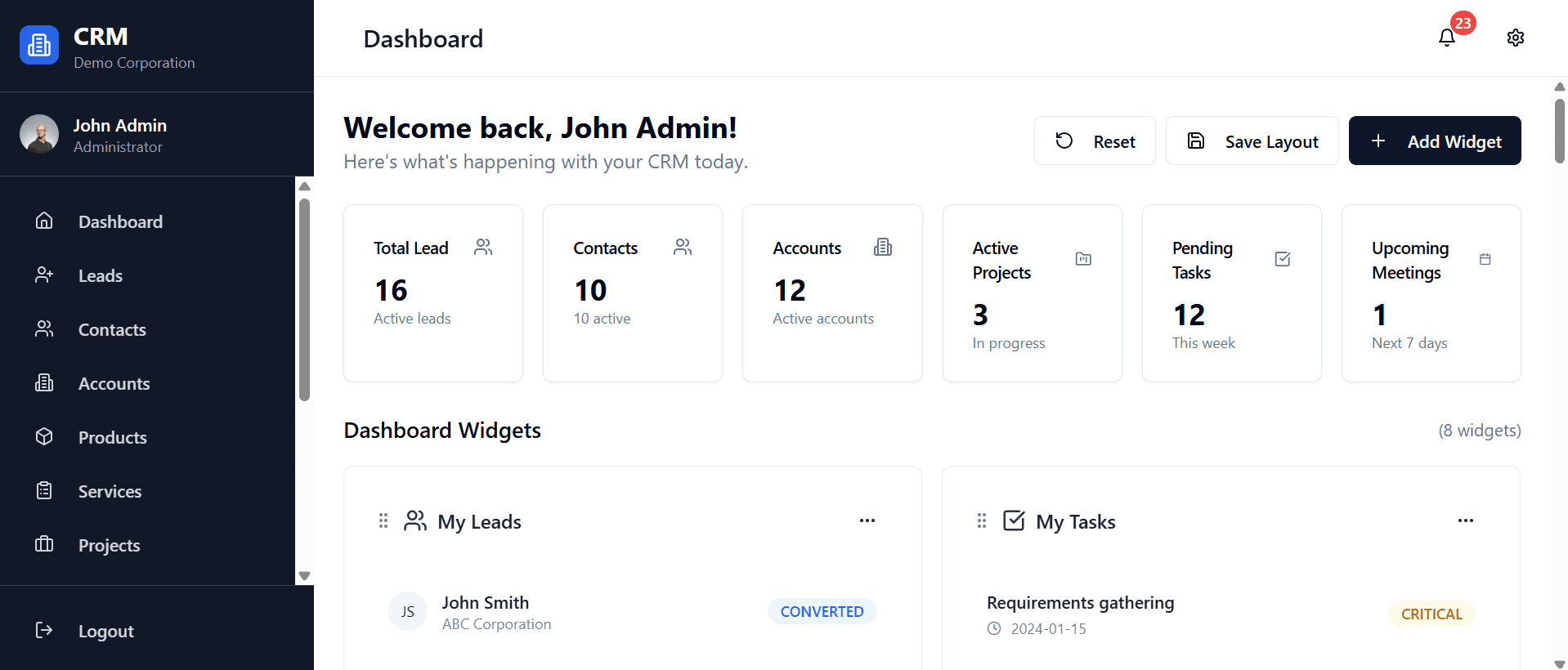
Automation EngineFull access to all CRM modules, managing users, roles, settings, integrations, billing, permissions, reports, and system configuration while ensuring secure administration, operational efficiency, and centralized organizational control daily.
.png)
.png)
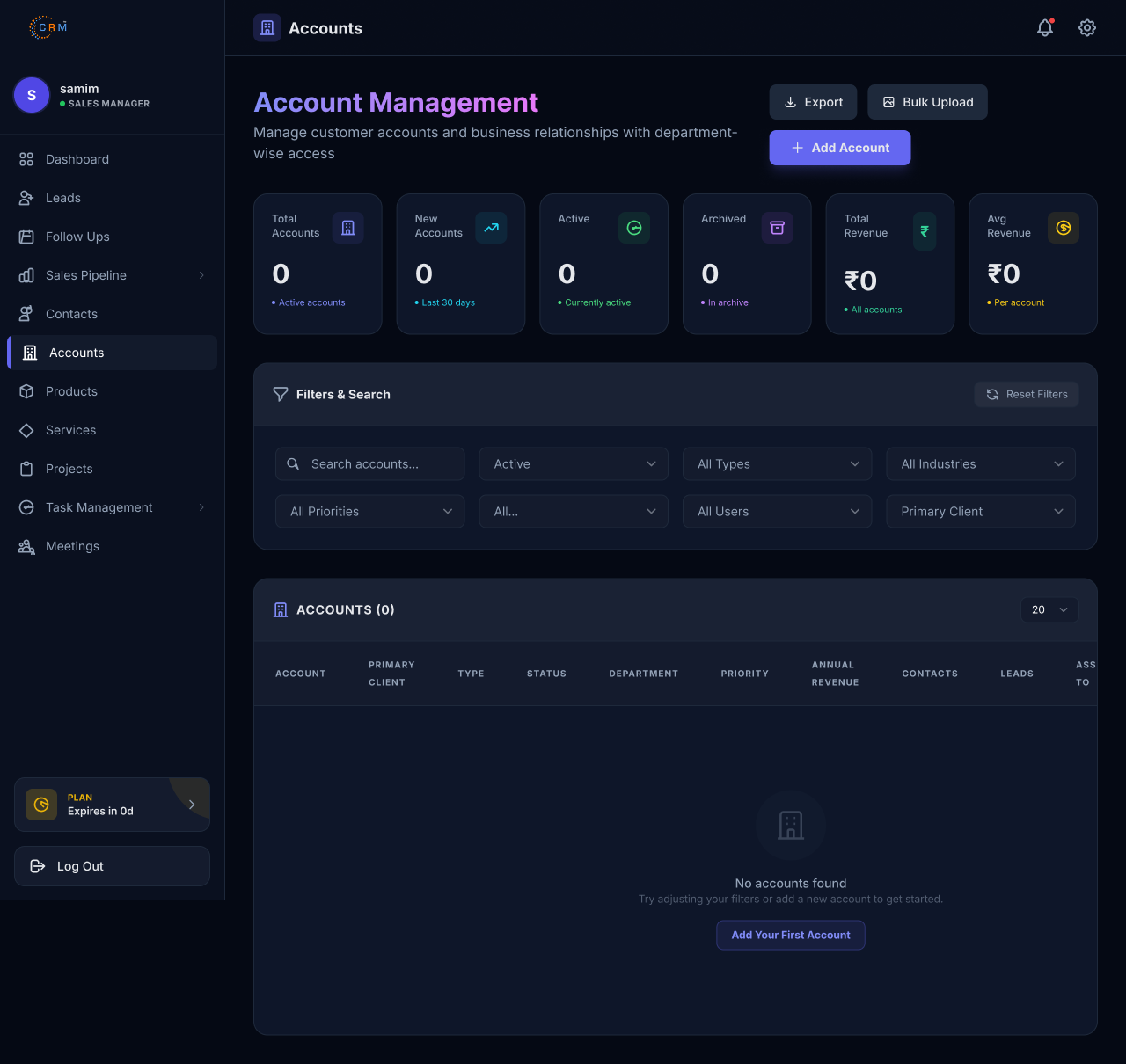
Oversees leads, sales pipeline, team performance, follow-ups, projects, meetings, reports, and sales targets while assigning responsibilities, monitoring progress, improving productivity, and driving successful customer relationship management outcomes.
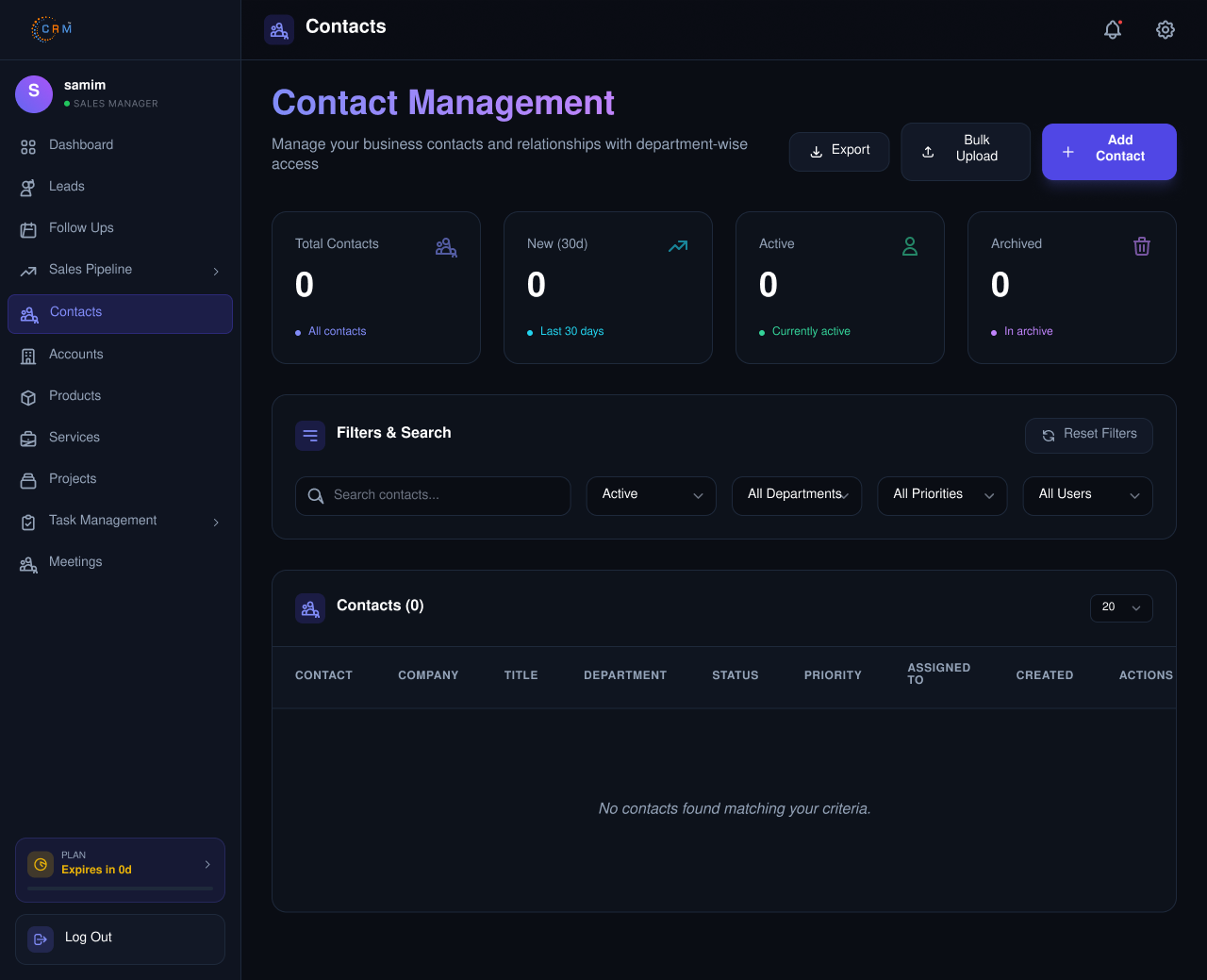
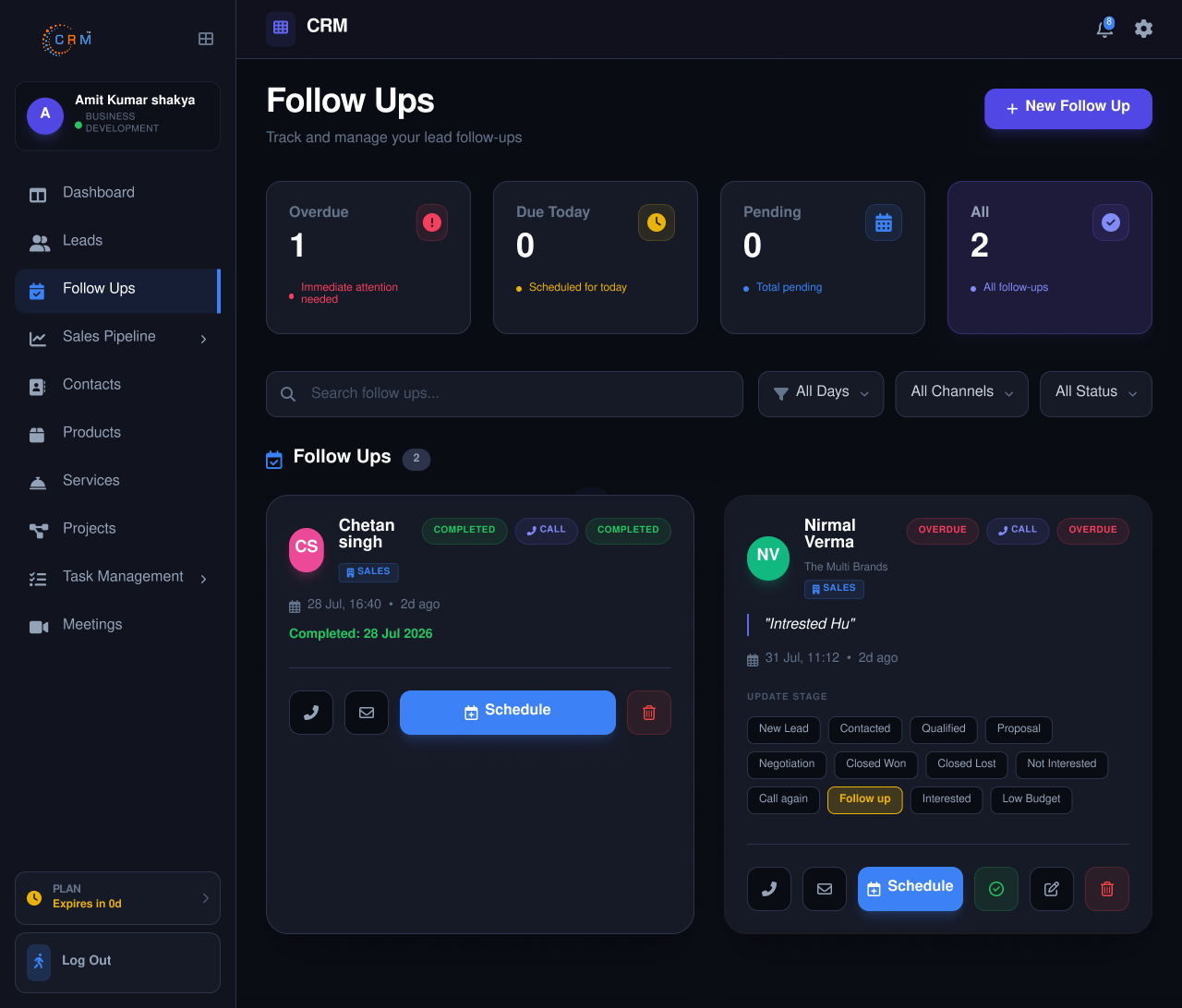
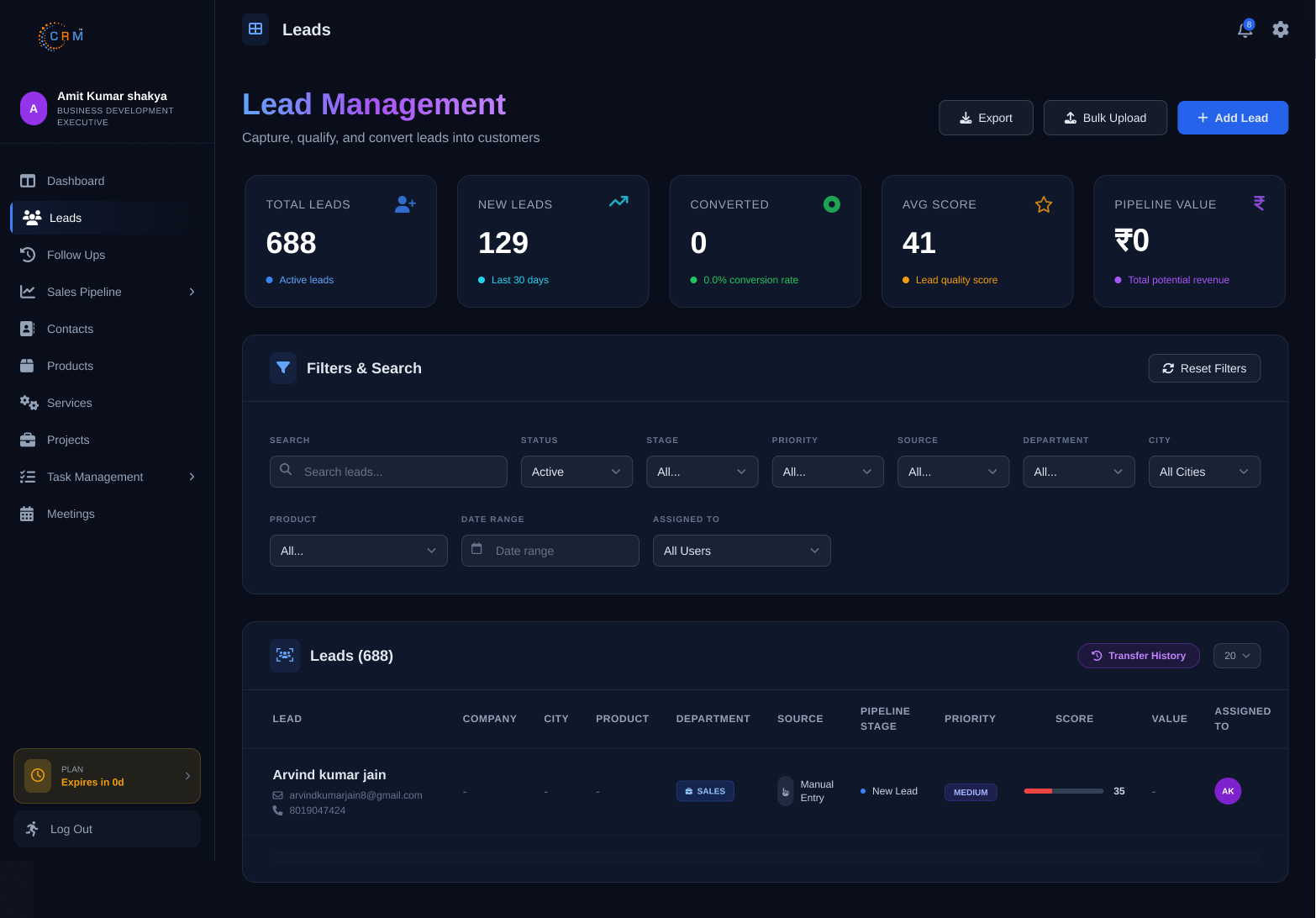
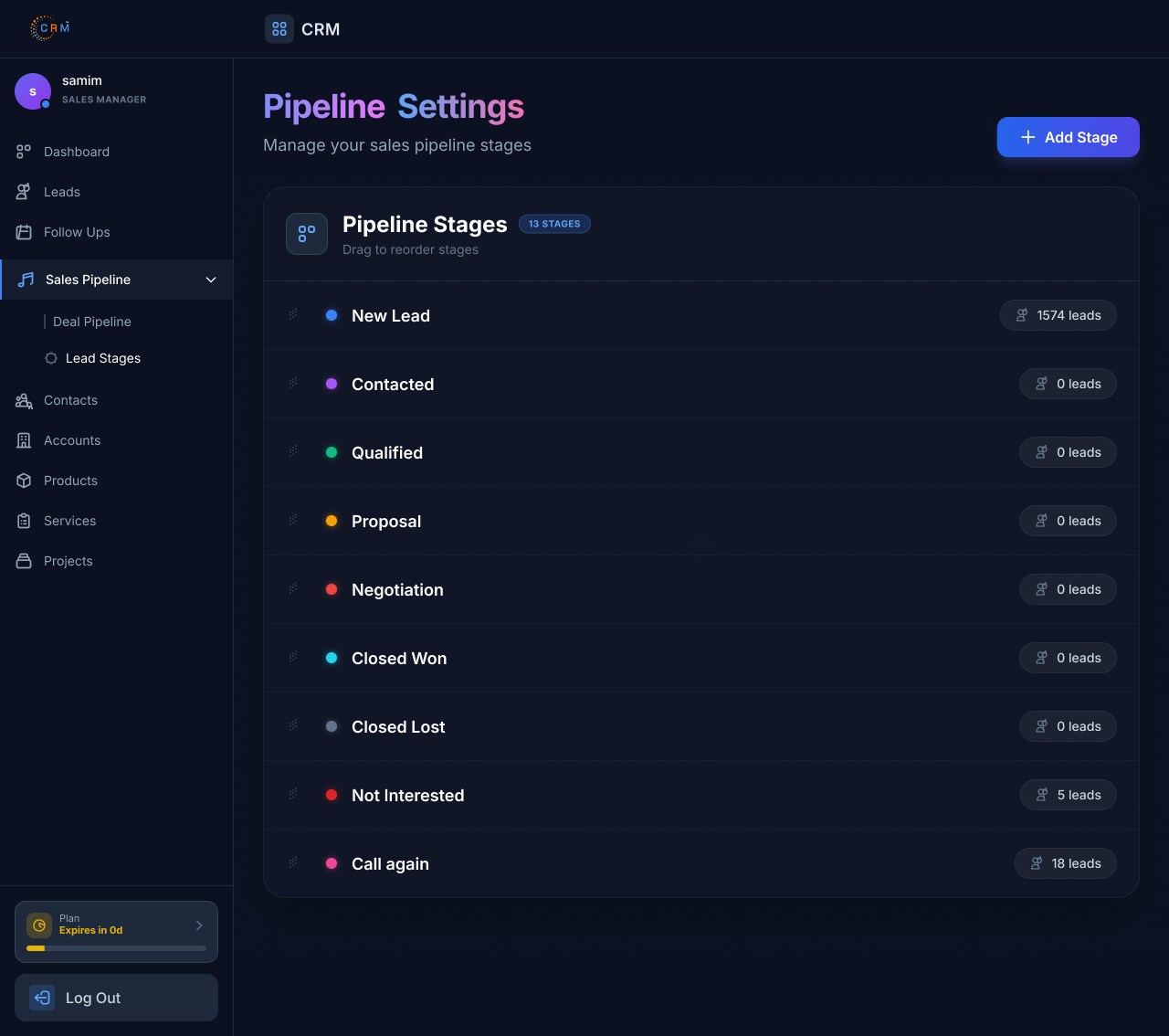
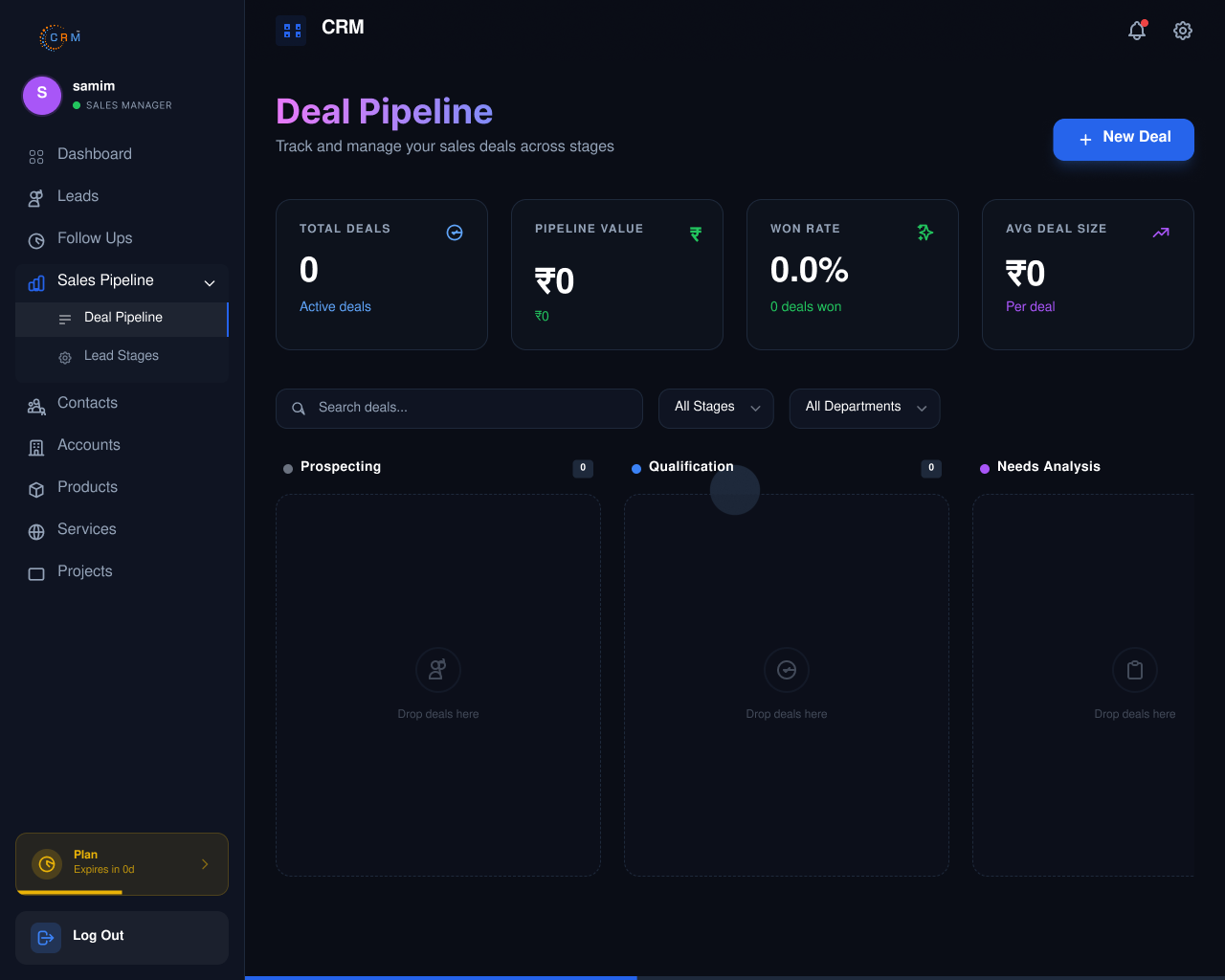
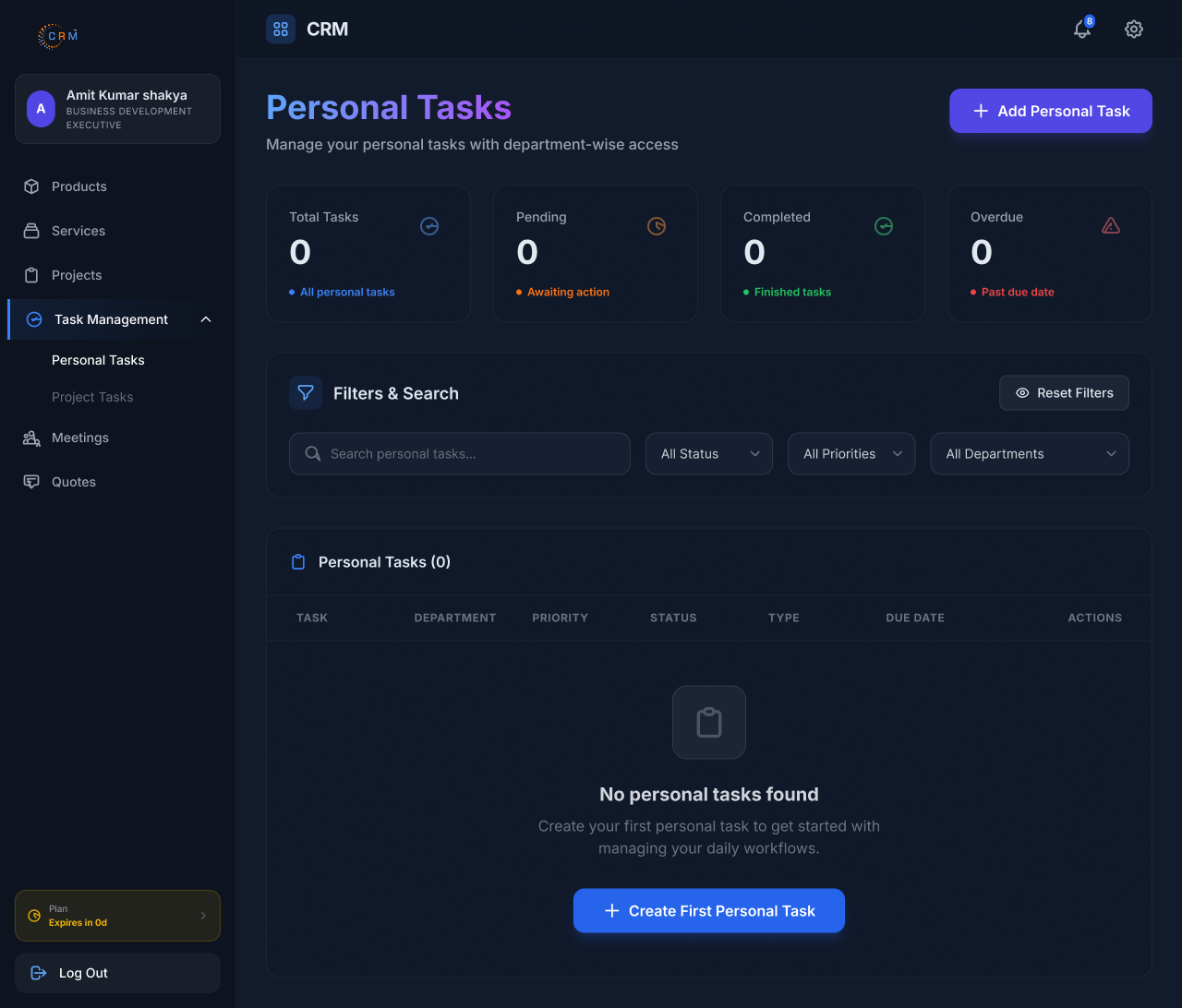
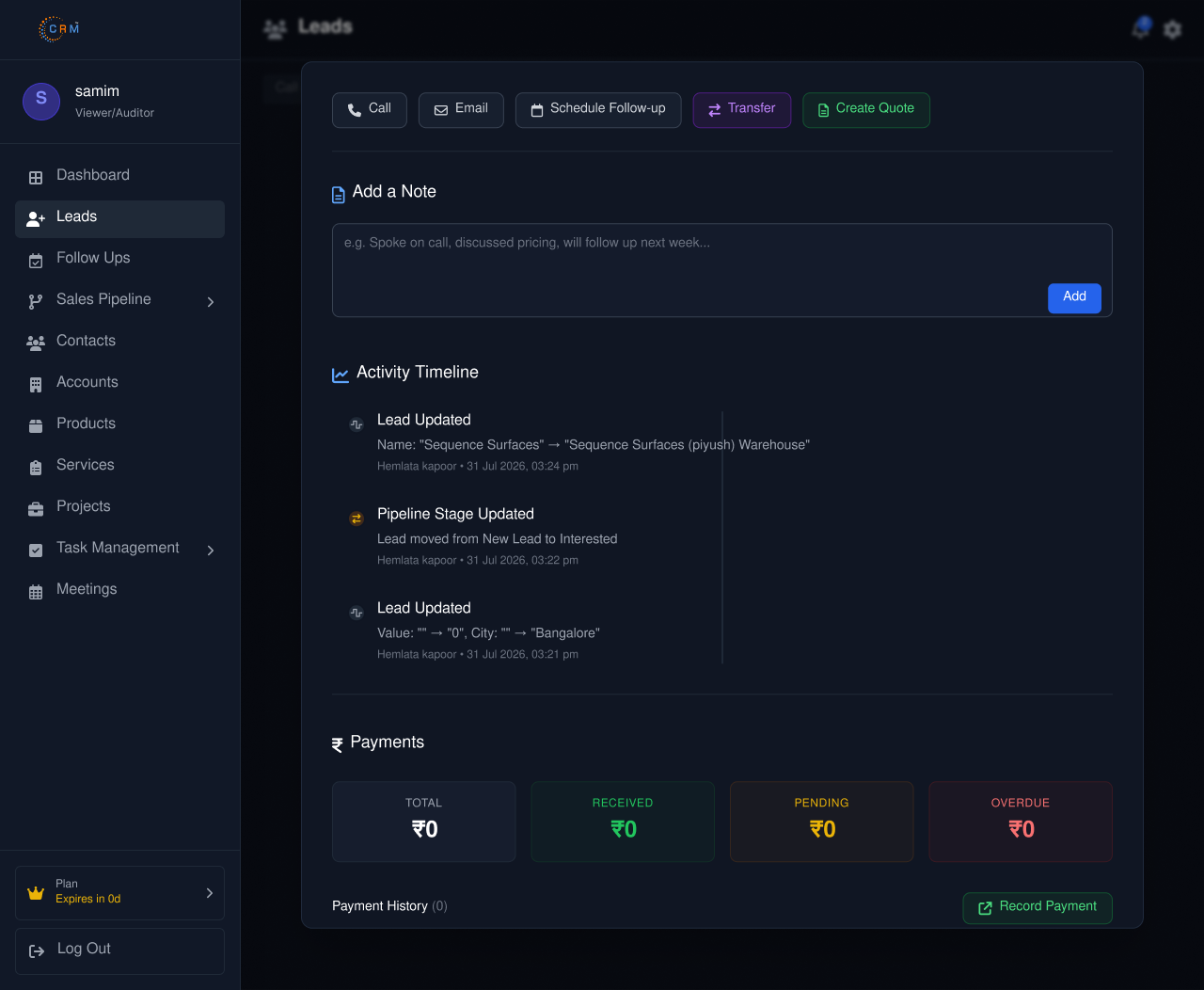
Manages assigned leads, customer interactions, follow-ups, contacts, meetings, quotations, and personal tasks while updating CRM records accurately, nurturing prospects, and supporting daily sales activities with consistent communication.
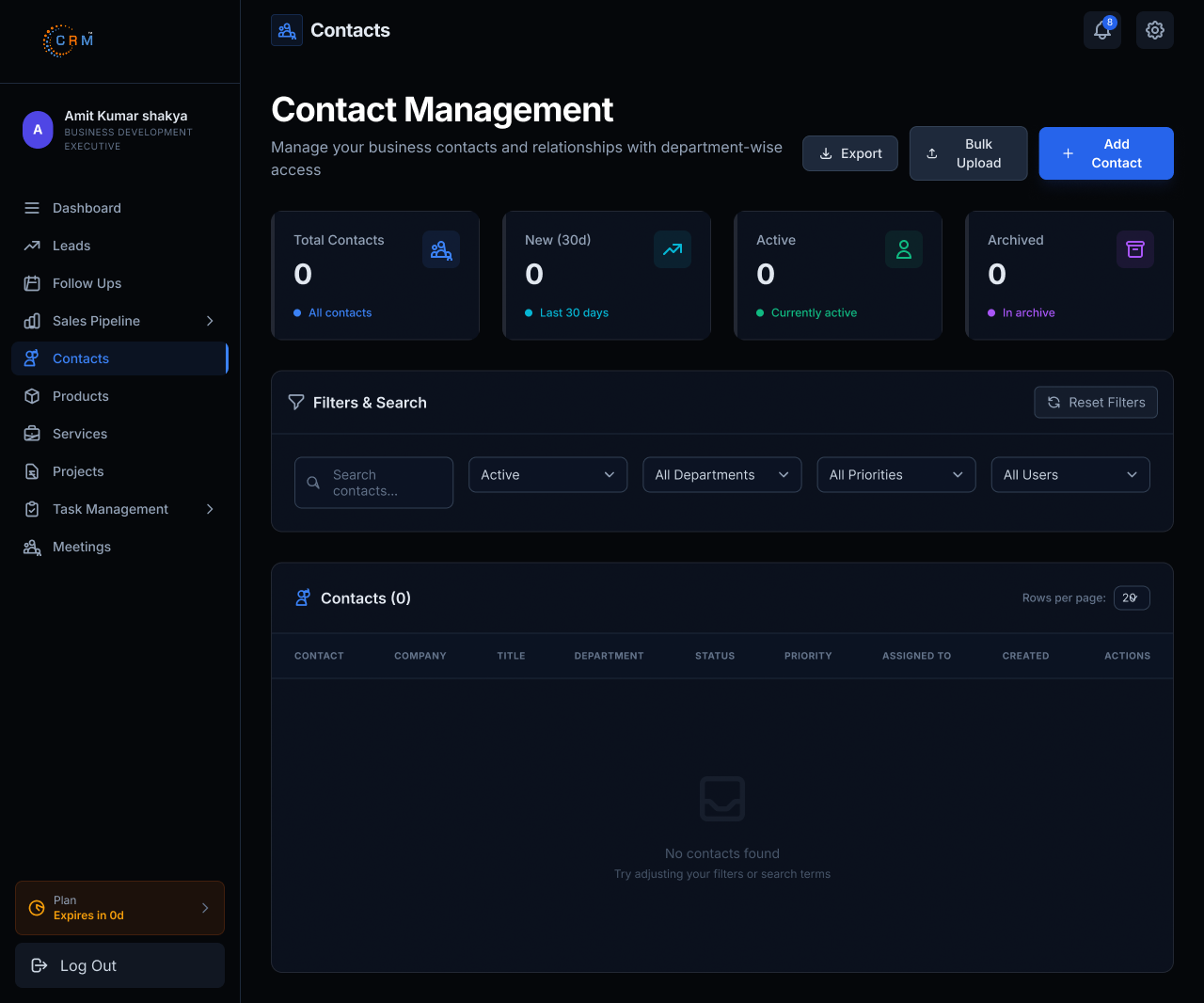
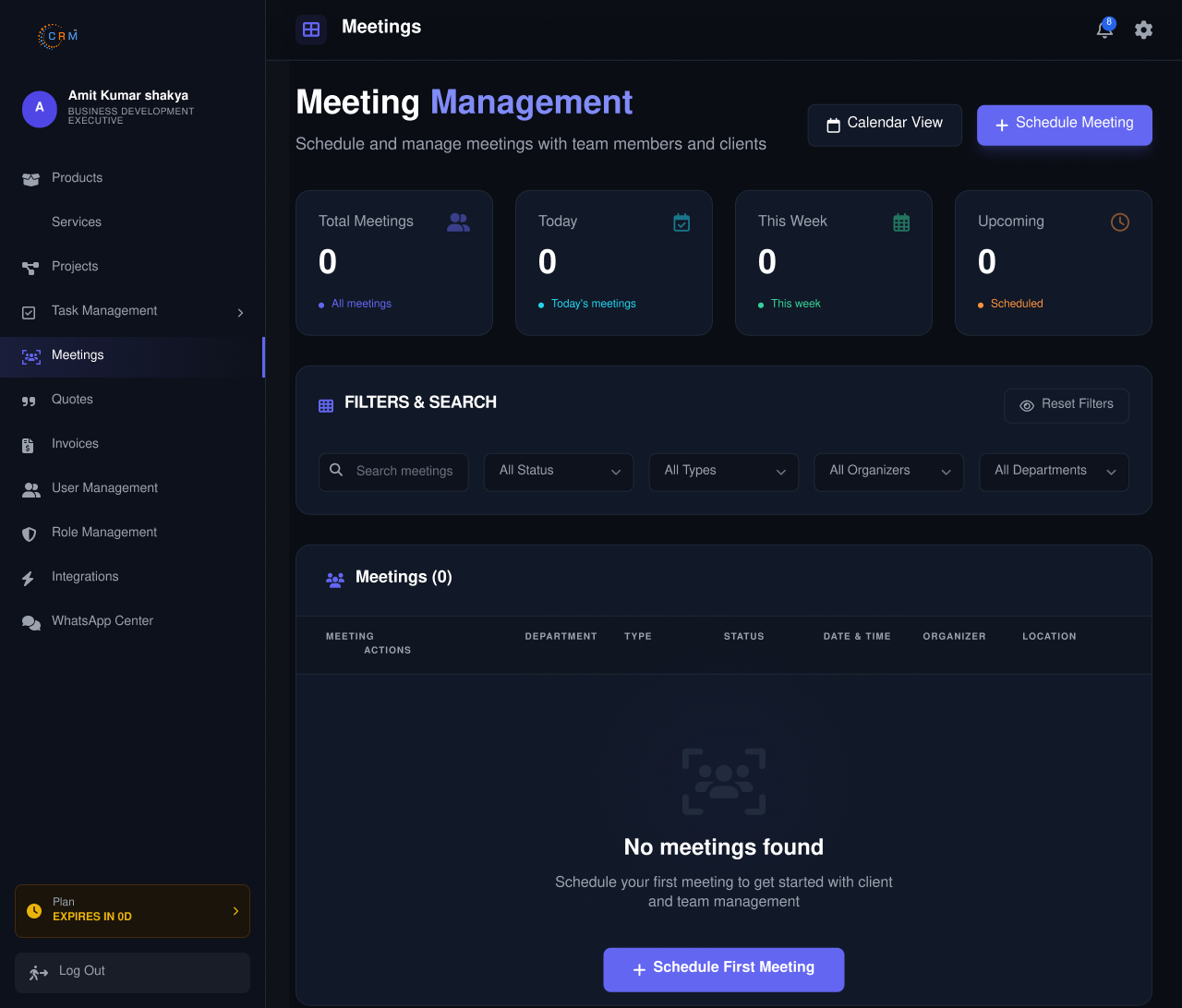
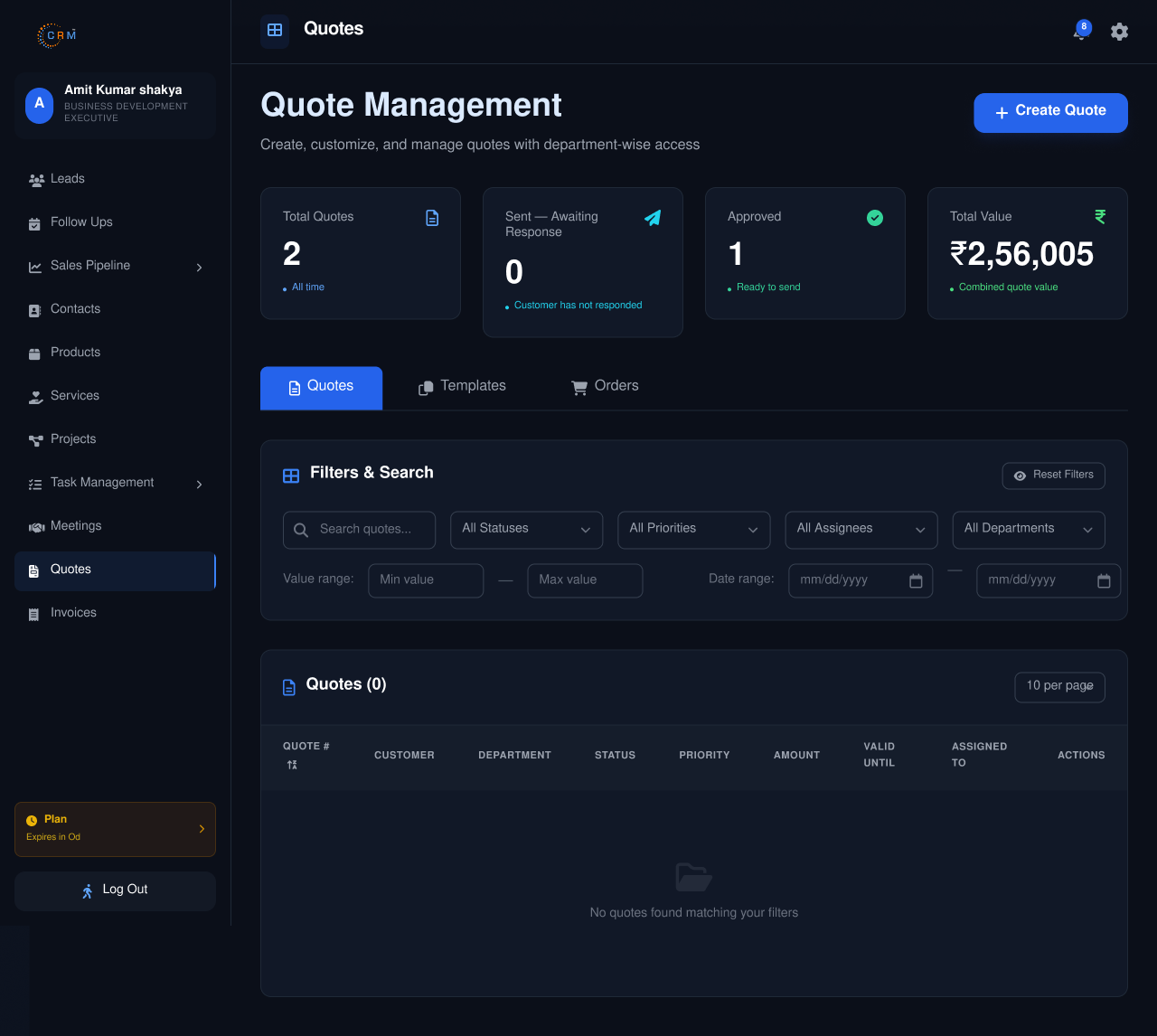
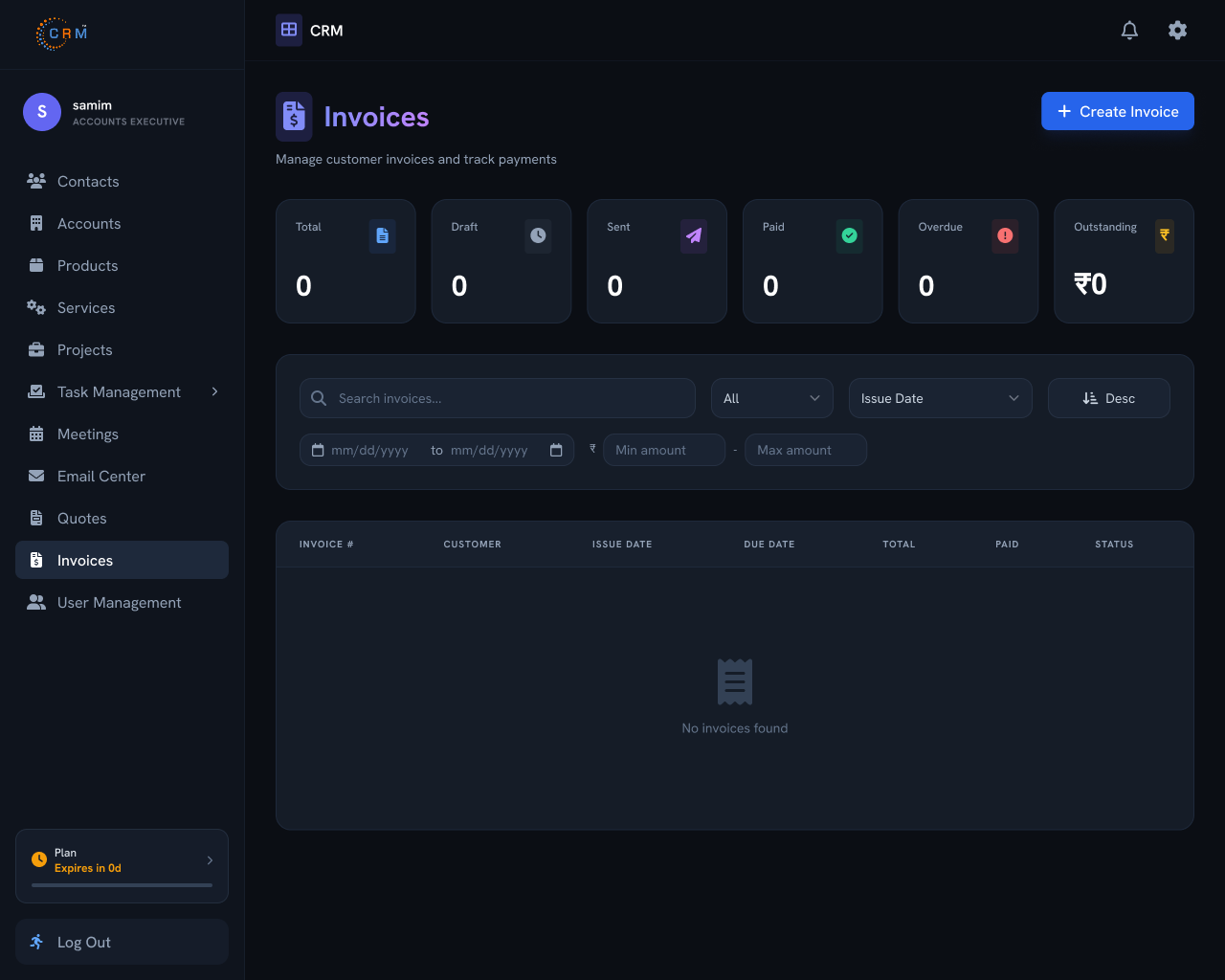
Manages invoices, quotations, payments, billing records, and customer financial information while ensuring accurate transaction processing, maintaining payment histories, supporting account management, and facilitating smooth financial operations daily.
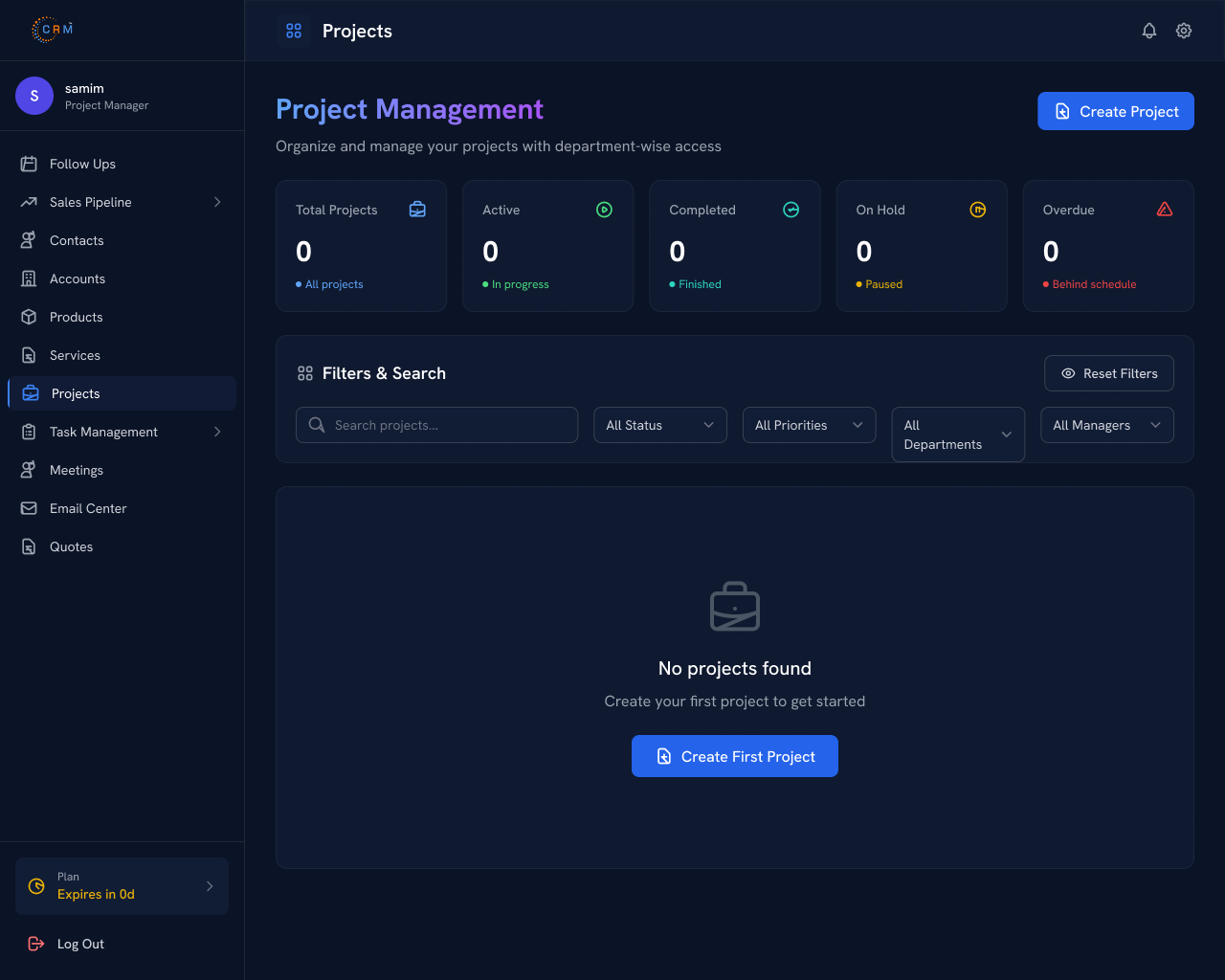
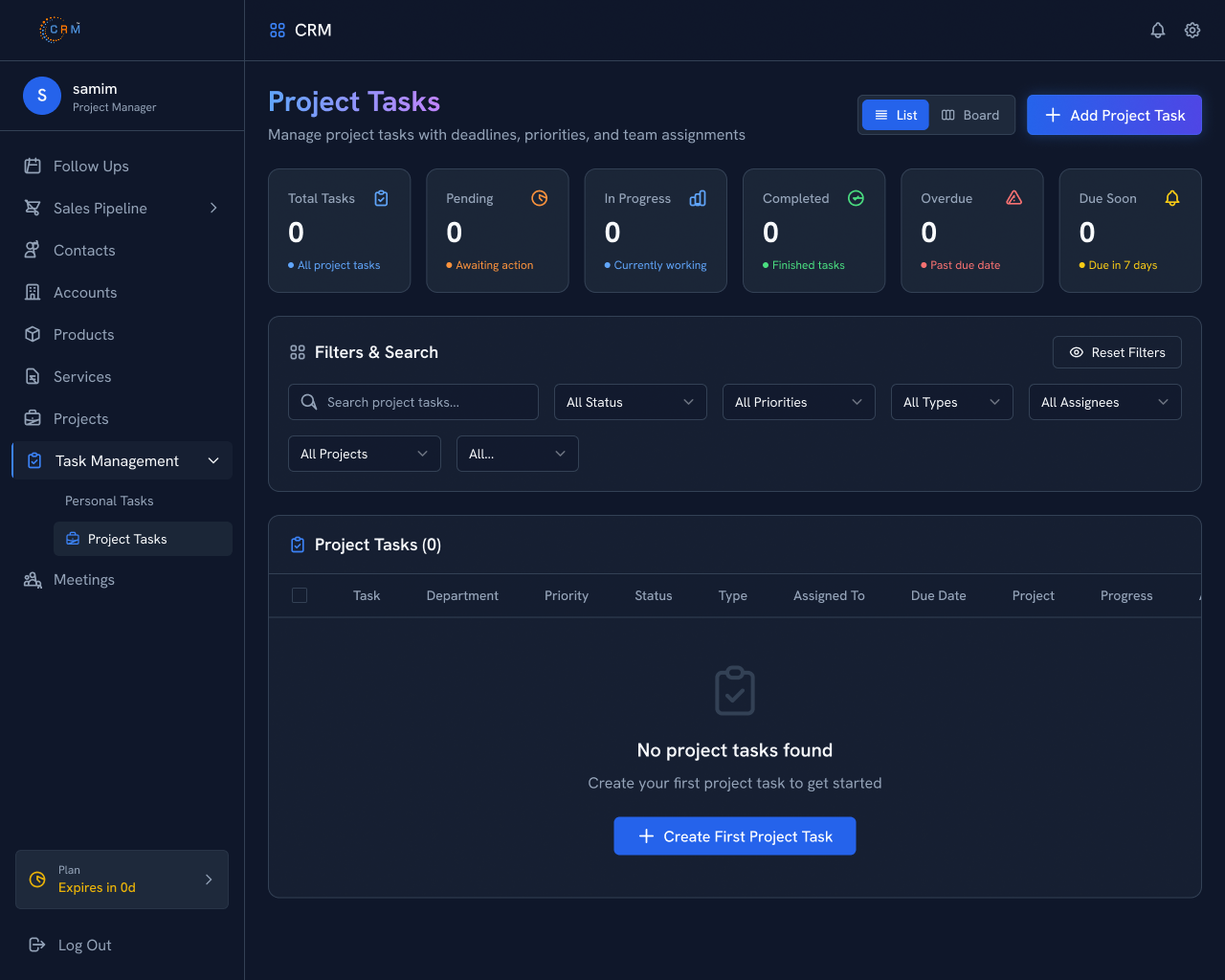
Handles projects, project tasks, meetings, personal assignments, and customer accounts while coordinating resources, monitoring project progress, ensuring timely delivery, and maintaining effective collaboration without lead or pipeline access.
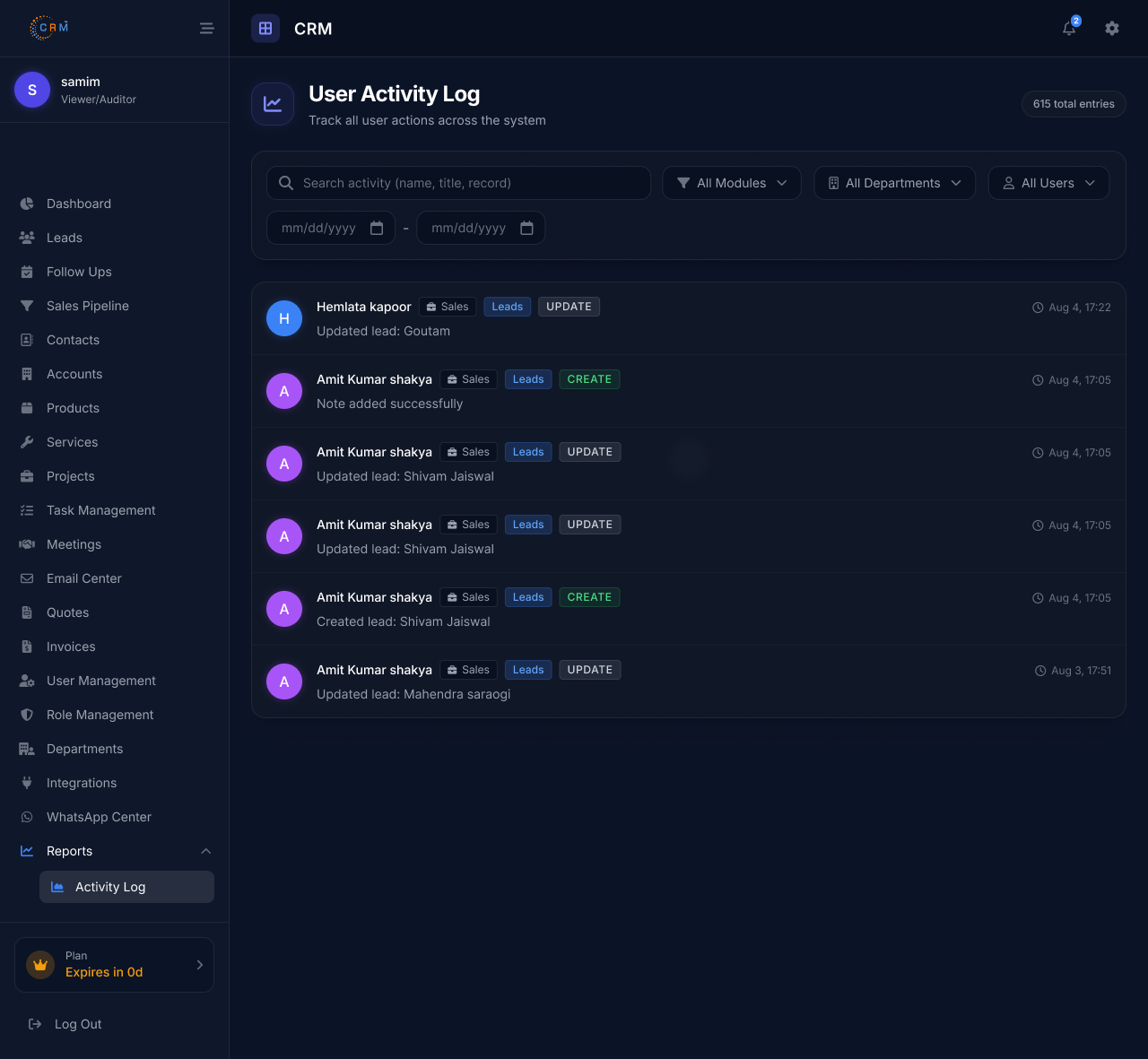
Provides read-only access to reports, activity logs, dashboards, and CRM records for monitoring, auditing, compliance verification, and performance analysis without permission to edit, approve, delete, or manage information.

CRM sync failures usually come down to one of four culprits: broken API connections, mismatched data fields between systems, expired authentication tokens, or duplicate records confusing the sync logic.
When your CRM stops syncing correctly, start by checking your integration logs for failed API calls, then verify that field mappings between your CRM and connected tools (marketing platforms, support desks, e-commerce systems) still match.
At Infosware, our CRM software includes real-time sync monitoring so you can catch these issues before they affect your sales pipeline or customer data.
Recurring integration failures typically point to rate-limit errors, outdated API versions, or unstable webhook connections.
If your CRM integration fails repeatedly rather than as a one-off, check whether the third-party platform recently updated its API — this is one of the most common causes. Network timeouts and incorrect authentication credentials are the next most likely issues.
Infosware's CRM implementation services include integration health checks that flag these failures early, so your team isn't troubleshooting blind.
Start with the basics: confirm your API keys are valid and haven't expired, check that your endpoint URLs are correct, and review the error codes returned in your logs — most APIs tell you exactly what went wrong if you know where to look. From there:
If the issue persists, Infosware's support team can run a full diagnostic on your integration setup.
Real-time CRM sync relies on webhooks rather than scheduled batch updates. Instead of pulling data every few hours, webhook-based syncing pushes changes the moment they happen — a new lead, an updated contact, a closed deal — so every connected system reflects the same information instantly.
Infosware's CRM software is built with native webhook support, letting you connect your sales, marketing, and support tools without relying on slow, error-prone manual imports.
AI support tools frequently struggle with CRM integration because CRMs store data in inconsistent formats, use varying field naming conventions, and enforce different permission structures.
An AI assistant trying to pull customer history from a CRM often hits walls around data structure mismatches, authentication scopes that block certain fields, and latency issues when the CRM wasn't designed for high-frequency API calls.
These aren't flaws in the AI itself — they're a result of CRMs being built for human data entry, not machine-speed querying.
The core challenges include:
Solving these usually requires a middleware layer or a CRM built with integration-first architecture, which is where a modern platform like Infosware's has an advantage.
Seamless data flow starts with clean, standardized data on the CRM side — inconsistent fields are the number one cause of broken AI integrations.
From there, use a well-documented API with clear authentication, map your data fields explicitly rather than relying on auto-matching, and set up webhooks for real-time updates instead of periodic syncs.
Testing the connection under real usage conditions, not just a demo scenario, catches most issues before they reach your customers.
Middleware acts as a translator between systems that don't naturally speak the same language. Many AI support tools need middleware because the CRM's API structure doesn't match the format the AI tool expects, or because the CRM lacks the authentication method the AI platform requires.
Middleware also helps manage rate limits, cache frequently accessed data, and handle errors gracefully so a single failed request doesn't break the entire support workflow.
Beyond AI-specific issues, general CRM integration challenges include:
A CRM designed with integration flexibility from the ground up — rather than integrations bolted on later — significantly reduces these headaches.
Data quality problems compound during integration if they aren't addressed first. Before connecting systems:
Clean data going in means reliable data coming out — and far fewer support tickets down the line.
If you're tracking customer conversations in spreadsheets, sticky notes, or your inbox, the answer is almost certainly yes. A CRM becomes valuable the moment you have more leads or customers than you can remember details about — which for most businesses happens faster than expected.
Even a lightweight CRM helps you avoid dropped follow-ups, gives your whole team visibility into customer interactions, and turns scattered information into a system you can actually rely on and report on.
CRM pricing varies widely based on team size, features, and whether you need add-ons like automation, reporting, or third-party integrations. Rather than anchoring to a fixed number, budget based on what a missed follow-up or a lost lead actually costs your business — for most companies, a mid-tier CRM pays for itself within the first few recovered deals.
Infosware offers flexible CRM pricing built around actual usage and team size, so you're not paying for features you'll never touch.
The features you need depend on your sales process, but most growing businesses should look for:
Avoid choosing a CRM based on the longest feature list — choose one based on the features your team will actually use daily.
Start with your actual sales process, not the software's feature list. A CRM should fit how your team already works, not force a rebuild of your workflow.
Look for ease of use (a CRM your team won't adopt is worthless), solid integration support for the tools you already rely on, transparent pricing, and responsive customer support.
Requesting a live demo with your own sample data — rather than a generic walkthrough — is the fastest way to know if a CRM is the right fit before you commit.
You can download your invoices anytime from your account billing section, or contact our support team and we'll email you a copy directly.